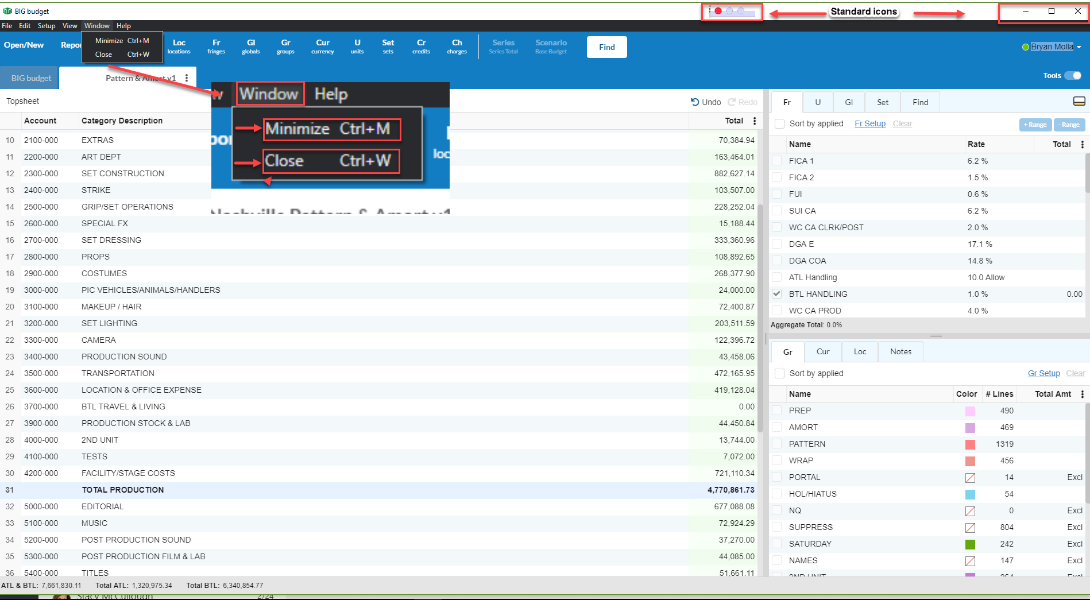
Summary: This article details the process for the user to minimize or close the budget window in the new Movie Magic Budgeting program.
Solution:
- Login and open your budget.
- In the menu bar, go to Window.
- Select Minimize (Crtl+M and Cmd+M). The budget window will disappear but will not close.
- You can select Close (Crtl+W and Cmd+W). The program and browser will end the session.
- Standard Window and Mac Icons for minimize, maximize, and close, still apply.